
Why Participant Recruitment Defines Study Quality
Research participant recruitment is the single factor that determines whether your usability study produces actionable insights or misleading noise. You can have a perfect test script and a skilled moderator, but if participants don't match your actual users, every finding is suspect. Yet recruitment is consistently the most under-resourced step in the research process.
Step 1 - Define Your Target User Profile
Before writing a screener, be specific about who you need. Vague criteria like "people who use smartphones" produce useless samples. Strong profiles combine:
- Behavioural criteria: Frequency of use, task proficiency, workflows they follow ("uses project management software daily")
- Domain criteria: Industry, job function, or life stage relevant to your product ("manages a team of 5+ people")
- Exclusion criteria: Anyone who works in UX/design research, works for a competitor, or has participated in a study in the last 6 months
Step 2 - Write a Screening Questionnaire
A screener filters candidates before they enter your study. Best practices:
- Use multiple-choice questions, never free-text - free-text lets candidates guess the "right" answer
- Include at least one "trap" question that reveals if someone is guessing their way through
- Keep it under 10 questions - longer screeners reduce completion rates and attract motivated but atypical users
- Ask about behaviour, not self-reported skill level ("How many times did you purchase something online in the last 30 days?" not "How would you rate your online shopping skills?")
Step 3 - Calculate the Right Sample Size
For moderated usability testing, 5 participants per distinct user segment is the standard starting point (Nielsen's formula). For unmoderated studies, 20–30 is typical for quantitative metrics. For generative research (interviews, diary studies), aim for 8–12 until you reach thematic saturation - the point where new interviews stop surfacing new themes.
Step 4 - Recruitment Channels
- Existing users: Best signal quality - recruit from in-app prompts, email lists, or customer success referrals
- Research panels (UserTesting, Respondent.io, Prolific): Fast, scalable, but validate screener rigour - panel participants often game screeners
- LinkedIn / professional networks: Effective for B2B and specialised professional audiences
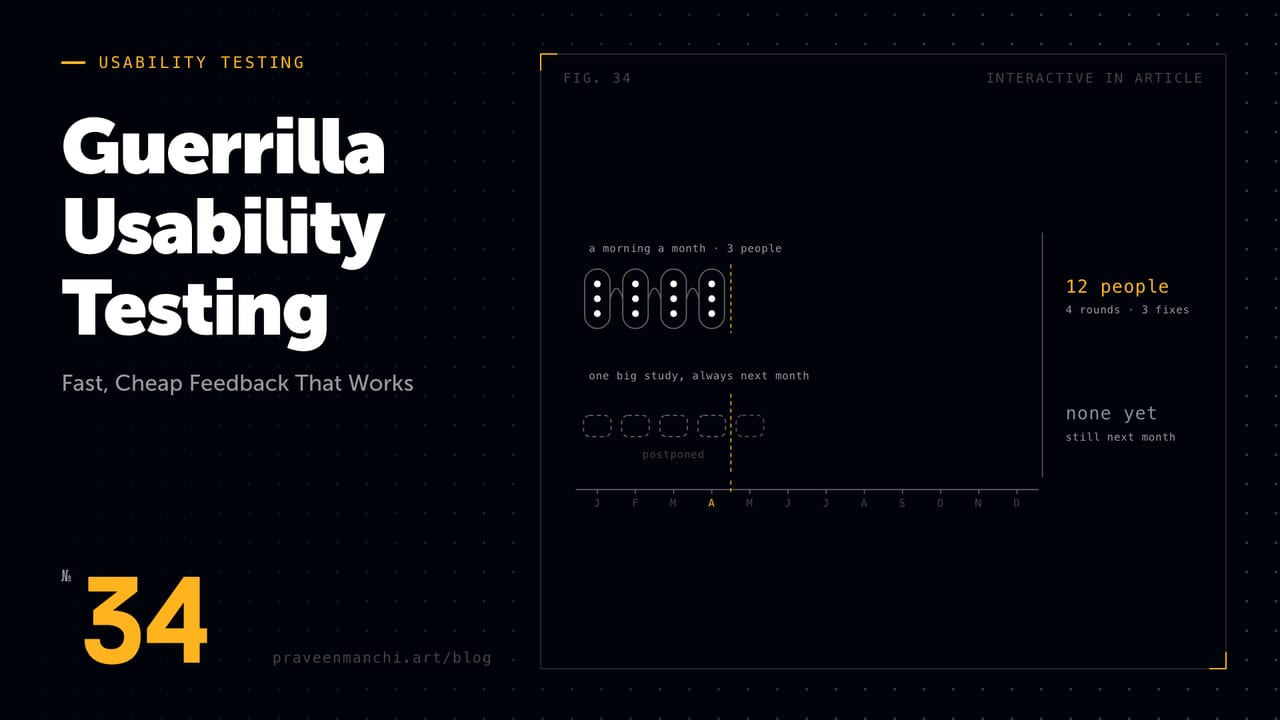
- Guerrilla: Appropriate only for broad consumer products where any adult qualifies
Managing the Recruitment Process
Send confirmation emails 24 hours before the session. NN/g's survey of usability practitioners found an average no-show rate of 11% - build a small buffer into your recruiting numbers rather than booking exactly to quota. On incentives, the same survey found companies paying external participants an average of $64/hour, with rates on the US West Coast closer to $81/hour and specialist professionals commanding roughly four times what general consumers are paid. Confirm the incentive amount upfront and pay within 48 hours of the session - slow payment is the fastest way to burn a recruiting panel's goodwill.
Key Takeaways
- Behavioural screener criteria outperform demographic or self-reported skill criteria every time.
- 5 participants per segment for moderated testing (Nielsen's finding); 20+ for unmoderated quantitative studies.
- Budget for an average no-show rate around 11% rather than booking to exact quota.
- Existing users provide the highest-fidelity signal - always try them before external panels.